





- Language
- English
- Compatible XF 2.x versions
- 2.2
- Additional requirements
- php 7.2+
Fully customize your XenForo Froala instance. Change your toolbar layout, enable and disable BB Codes, make use of the new table and background-color BB Codes, provide exciting new fonts for your users from your own server or external hosts. It's all in your hands.
BB Codes
Installation

BB Codes
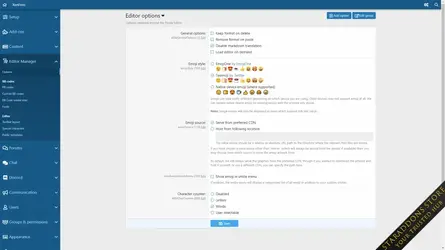
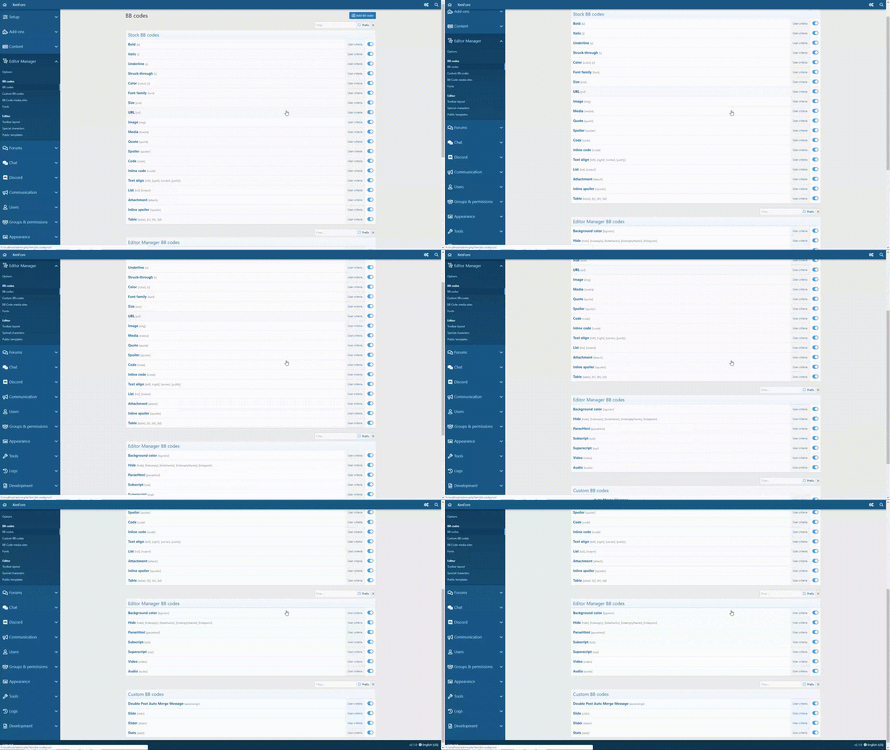
- Enable & disable all BB codes on the fly
- Control access to all BB codes via user criteria
- Create aliases for your BB codes
- New BB codes:
- Superscript & Subscript
- Background color
- ParseHtml
- Hide BB Codes
- Align: Justify
- Customize:
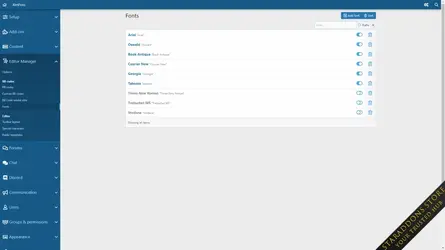
- Available fonts for the font BB code
- Available sizes for the size BB code
- Control smilie access with criteria
- Font awesome BB code
- Lazy load mode to speed up page load time
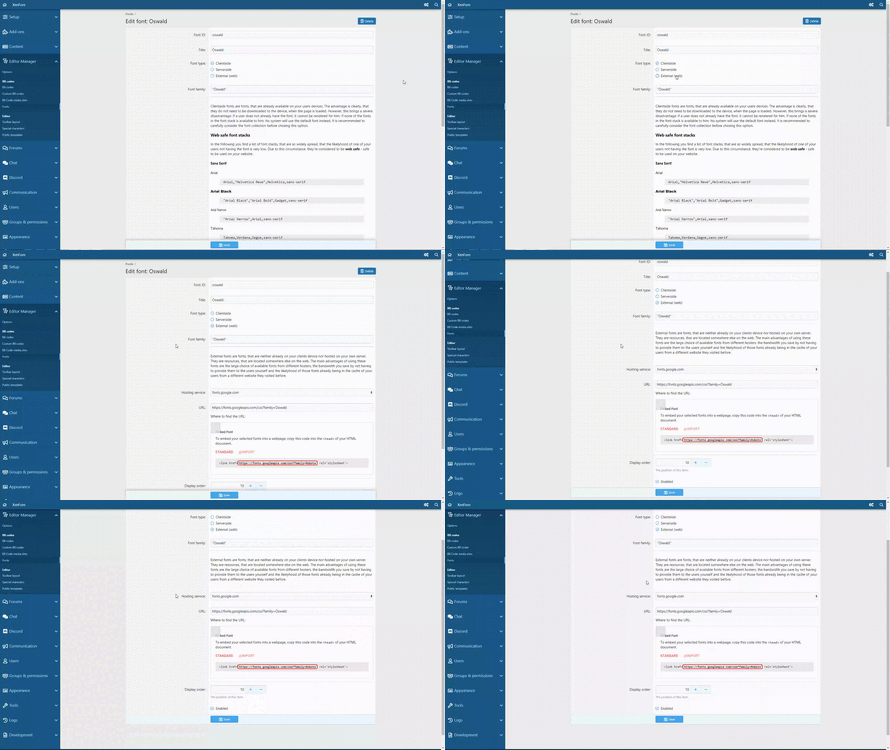
- Manage your font list
- Easily include fonts hosted on your own server or from Google Fonts
- Allow users to use all available Google Fonts and load them on demand
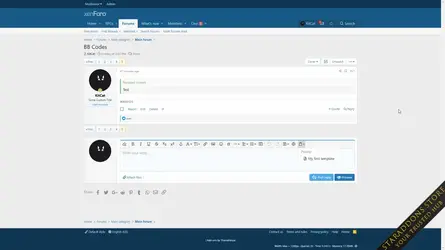
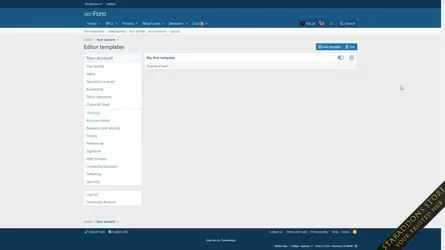
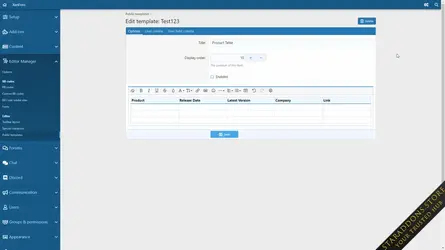
- Use public and private post templates to quickly insert content into your editor.
- Character/letter counter
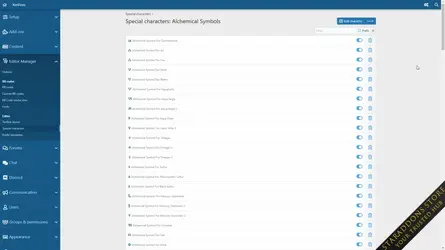
- Special Character dropdown for easy special character insertion
- Post Templates, for quickly inserting reusable editor content
Installation
- Upload the content of the
upload-folder to your XenForo root directory. - Head to
ACP -> Add-Onsand install the Editor Manager - Configure your addon under
ACP -> Content -> Editor Manager
- Read the patch notes for potential additional necessary steps!
- Upload the content if the
upload-folder to your XenForo root directory. Overwrite files when asked. - Head to
ACP -> Add-Onsand upgrade the Editor Manager
- Head to
ACP -> Add-Onsand uninstall the Editor Manager - Delete the following folders inside your XenForo root directory:
js/editor-manager/data/fonts/src/addons/KL/EditorManager/styles/fonts/editor-manager/
-
 Editor & BB Code Manager6.webp
 -
 Editor & BB Code Manager5.webp
 -
 Editor & BB Code Manager4.webp
 -
 Editor & BB Code Manager3.webp
 -
 Editor & BB Code Manager2.gif
 -
 Editor & BB Code Manager1.webp
 -
 Editor & BB Code Manager.gif
 -
 Editor & BB Code Manager.webp
![[OzzModz] Force Rules Accept For Posts](https://data.staraddons.store/resource_icons/0/228.jpg?1762995823)


