
![[XTR] Elegant Dark](https://data.staraddons.store/resource_icons/0/216.jpg?1762728985)




- Language
- English
- Compatible XF 2.x versions
- 2.0
- 2.1
- 2.2
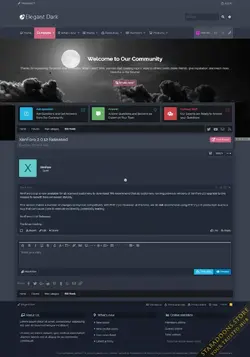
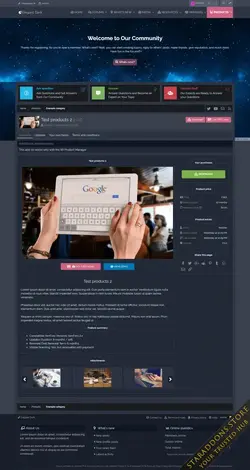
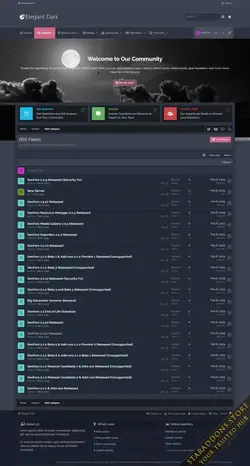
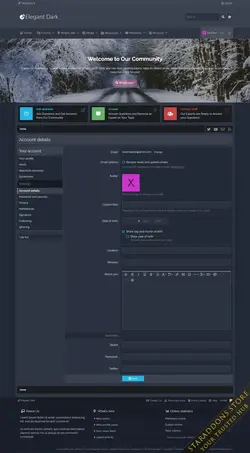
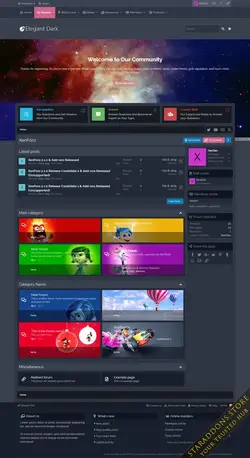
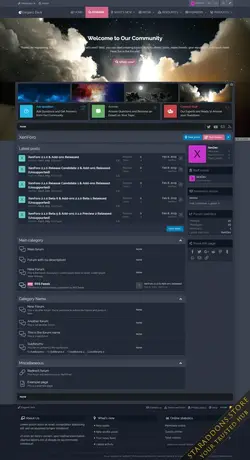
Elegant Dark is a functional design with advanced personalization features. It is a user-friendly interface with fully customizable style features and ease of use without any code knowledge.
It's possible to create a look you're dreaming of with style features in just a few minutes.
As a general framework, we have completed our work by deciding on a user-friendly interface while creating the main framework of the theme.
"It is created with a more advanced framework than any other themes we have created so far."
General features
- The style features can be selected as Wide and Boxed layout,
- All background colors can be changed easily,
- You can manage to style with many functions can be active or passive.
- With the special background changer, you can easily change the background color and images of your website.
- You can change the position of the user area as you wish and make your formatting for that field.
- In a very simple way you can choose your logo as a Text logo or Picture. You can make your customizations easily.
- a) Default,
- b) Next to the logo,
- c) Under the logo

- If you wish, you can choose to use a larger area with the navigation area mause movement.
- You can change the position of the search box according to your own usage format according to your header or navigation options.
- With the Quick Touch feature, you can create a space for your users as you like. This style group is a completely customizable structure.
- With Message Block area, you can create nice welcome message fields for your users. Again this feature is fully customizable.
- You can also offer different views for your users who visit your website with 8 different cancas effects.
- You can set breadth and height options to shape the breadcrumb field in any way you want.
- You can also change the position of the sidebar (Sidebar) field as you can change the sticky (Sticky) position.
- You can also add icons to the titles of these fields and make them foldable. Everything can be easily controlled from the style features. You can also create a different structure by choosing from 2 different visitor panels.
- a) Default,
- b) Classic,
- c) Dual column A,
- d) Dual column B,
- e) Dual column with image
- It is also very easy to adjust the double-column image. Simply create a forum or edit your existing forums and just enter the image path that you sent to your server.
- If you wish, you can set your forum columns as a single column by typing the identity number of the forums where you use double columns.
- You can easily set your Forum categories to Collapsible.
- You can put a small but noticeable icon or post on your forums showing new topics.
- You can also see how many people are in that forum at that time.
- In addition to this, with the fast topic launch buttons, there is the ability to create quick topics for each forum.
- You can change the icons of your forums in a very simple way.
- You can apply a hover effect with your mouse movement on your forums.
- You can easily separate your fixed issues from other topics and you can offer a different view.
- User info comes with three type for thread view;
- a) Standart,
- b) Horizontal
- c) First post horizontal
- You can manage and customize your Message (Subject) fields as you wish. Font-awesome icons, avatar control, sticky avatar space, foldable user information, etc.
- Footer can be customized completely without any coding. It has 6 selectable layouts. You can choose the desired feature or you can place your own custom formatting. It's completely up to you.

- With Elegant Dark, all your social media links come with a manageable space. Here you can activate by giving relevant links which are using social media.
-
 Elegant Dark10.webp
 -
 Elegant Dark9.webp
 -
 Elegant Dark8.webp
 -
 Elegant Dark7.webp
 -
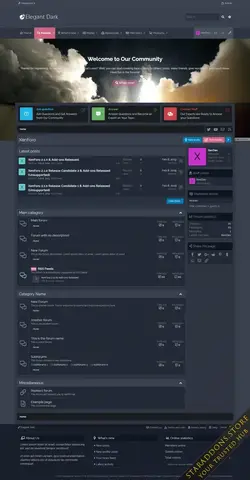 Elegant Dark6.webp
 -
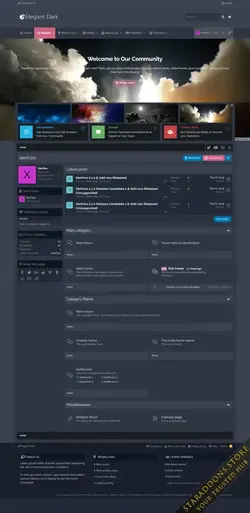 Elegant Dark5.webp
 -
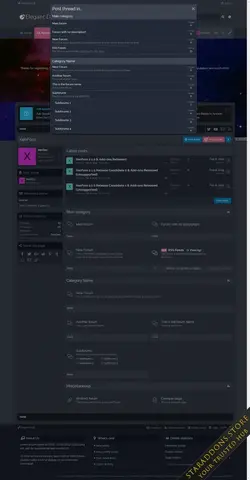 Elegant Dark4.webp
 -
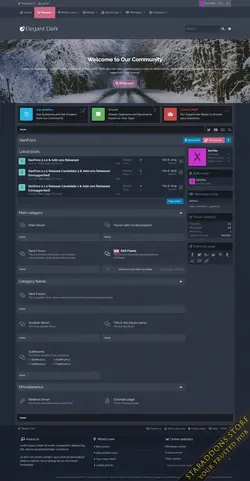 Elegant Dark3.webp
 -
 Elegant Dark2.webp
 -
 Elegant Dark1.webp
![[XTR] Fantastic Pro](https://data.staraddons.store/resource_icons/0/223.jpg?1762815820)


