





- Language
- English
- Compatible XF 2.x versions
- 2.0
- 2.1
- 2.2
- 2.3
Updates all posts which require a post notice.
This add-on will check every post on your forum and if a domain is found which matches the options page, it will set a value in the post table so that a post notice will show when viewing a post.
(Example of options page)

How to use:
1. Install the Post notice add-on.
2. Install the Post notice all add-on.
3. Enter appropriate domain into the Post notice all Options page.
4. Go to the following page:
Admin control panel -> Tools -> Rebuild caches -> Post notice all
5. Click the Rebuild now button.
How to use with CLI:
If your forum has more than 1M posts use this method.
Log into your server terminal.
Navigate to the directory where you have XenForo installed.
Enter the following command:
This add-on will check every post on your forum and if a domain is found which matches the options page, it will set a value in the post table so that a post notice will show when viewing a post.
(Example of options page)
How to use:
1. Install the Post notice add-on.
2. Install the Post notice all add-on.
3. Enter appropriate domain into the Post notice all Options page.
4. Go to the following page:
Admin control panel -> Tools -> Rebuild caches -> Post notice all
5. Click the Rebuild now button.
How to use with CLI:
If your forum has more than 1M posts use this method.
Log into your server terminal.
Navigate to the directory where you have XenForo installed.
Enter the following command:
php cmd.php xf-rebuild:postnoticeall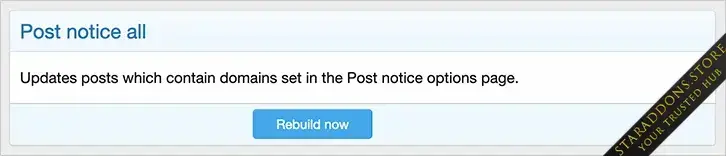
![[DBTech] DragonByte Bluesky Poster](https://data.staraddons.store/resource_icons/0/631.jpg?1768941424)
![[SVG] Visitor Panel](https://data.staraddons.store/resource_icons/0/633.jpg?1768951088)


